
Why Does the Interview Come From Only One Ear?
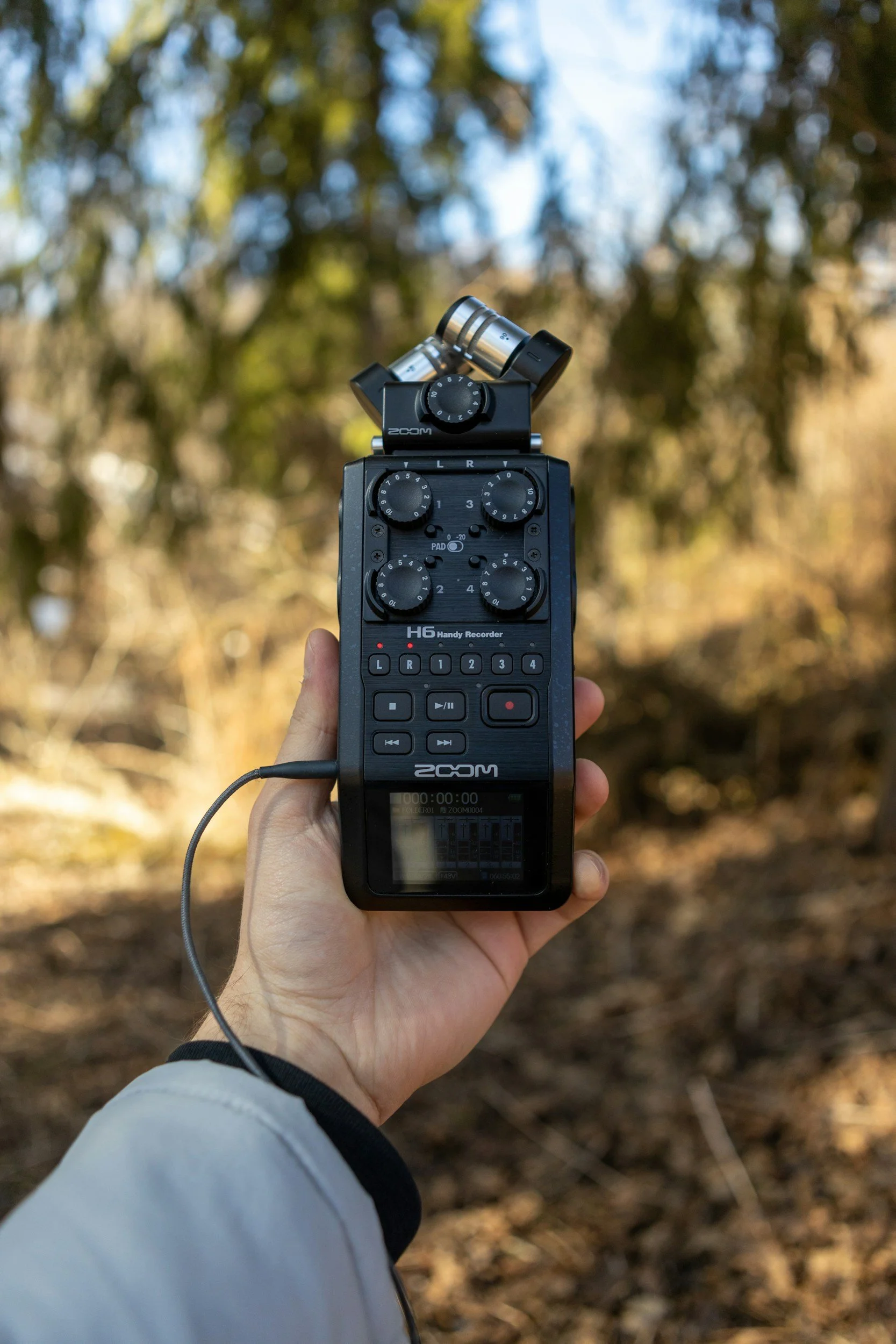
Imagine a producer opening an interview from a U.S. craft fair. The reporter sounds normal, but the guest seems to come from only the left ear. In another file, two microphones have been combined so early that a distracting noise cannot be separated from the answer. Both hypothetical problems begin with an assumption about what two audio channels mean.
A stereo file contains left and right channels. It does not automatically mean that the recording represents a natural stereo scene. A recorder may put one microphone on each side, duplicate the same microphone or capture a genuinely spatial ambience. Before exporting, determine which arrangement you actually have and what the receiving desk needs.
Listen to each channel independently
Start with the original recording in an application that lets you inspect and listen to each channel. Note what is present on the left and right: guest, reporter, interpreter, room sound or a duplicate signal. Do not infer this simply from the height of two waveforms. Different people can speak at similar levels, and a quiet microphone can still contain useful material.
In the hypothetical fair interview, the left channel might contain the guest's close microphone while the right contains the reporter's microphone. That arrangement can be useful to an editor. It permits separate decisions about the two voices. Treating it immediately as a finished stereo presentation, however, can make an ordinary conversation sound strangely divided across the listener's head.
Ask whether the file is material or a finished mix
A producer requesting isolated interview channels is asking for editing material. A producer requesting a ready-to-use quotation is asking for a mix. Clarify this distinction before export. The same original can support both deliveries, but the appropriate channel arrangement may differ. Describe the contents in plain language rather than relying entirely on abbreviations.
For instance, a note can say that one channel contains the guest and the other contains the reporter. If there is a third recording for interpretation, identify it separately. Avoid attaching a vague label such as stereo interview when the channels actually hold different participants. A distant editor needs to know what choices remain available.
Understand the export options
Audacity's export documentation distinguishes mono, stereo and custom channel mapping. Mono produces a single channel; stereo produces a left-right pair. Custom mapping allows particular tracks to be assigned to output channels. These options describe the exported file, so check them even when the project's visible tracks appear to have the desired arrangement.
For spoken-word material with identical audio on both sides, Audacity's MP3 guidance recommends mixing to mono before a constant-bit-rate export. That advice concerns a specific encoding situation. It is not a general instruction to convert every interview or every field recording to mono. A conversation recorded on separate microphones contains choices that identical duplicate channels do not.
Keep an uncombined version of the interview when the producer may need it. Once two voices and their unwanted sounds are mixed together, the desk has less control over them. The delivery can include a listening copy and the separate material, provided names and notes make their different purposes clear.
Decide what spatial information matters
A field recording of a passing train or an ensemble may contain meaningful differences between left and right. Listen to what the placement contributes. Does it help the listener understand movement, or is it merely a microphone arrangement that happened during setup? The answer should determine how the scene is presented.
Avoid manufacturing a dramatic spatial movement to compensate for an uninteresting recording. A news feature can use careful sound design, but the audience should not be misled about what occurred in the reported scene. Discuss substantial rearrangements with the producer, especially where sound is evidence of location, sequence or the relationship between participants.
For the craft fair example, the guest's explanation might work best as a centered voice while a separate stereo recording establishes the workshop around it. That is a possible production approach, not a universal recipe. The important distinction is between the speech the audience must understand and the environmental information the recording conveys.
Test the delivery on ordinary playback
Export a short sample containing all participants. Listen with headphones, then through a simple speaker or another ordinary playback arrangement available to you. Confirm that neither participant disappears and that their apparent positions are intentional. If the final platform mixes channels differently, ask the producer to test a sample there before a large transfer.
Pay attention when channels are combined. If the sound becomes unexpectedly thin, weak or difficult to understand, do not merely raise the volume and assume the problem is solved. Return to the separate recordings and ask an audio specialist to assess the relationship between them. The original files preserve the evidence needed for that diagnosis.
Check the file's reported channel count as well as what you hear. A two-channel file carrying the same sound twice may sound centered, while a mono file can be played through both speakers. Listening answers the editorial question; properties answer the delivery question. Both can matter to a newsroom's production system.
Label the channels for the next editor
A useful note identifies the speaker or source on each channel, any mixing performed and any remaining limitation. Include time codes if the arrangement changes during the interview. A recorder restarted after a break may not have the same routing, especially if cables or microphones were moved. Do not let the first minute stand in for the whole session.
When preparing a ready-to-use clip, listen from beginning to end after export. Make sure the selected words, pauses and endings survived, and that the chosen channel arrangement remains consistent. Keep the original separately so a later editor can revisit a decision without trying to reverse a finished mix.
The objective is not to make every file stereo or every interview mono. It is to make channel structure an intentional part of reporting. A correspondent who can explain what each channel contains gives the desk better material and prevents a small technical assumption from making an important answer difficult to hear.