
What Would a Reader Miss Without This Picture?
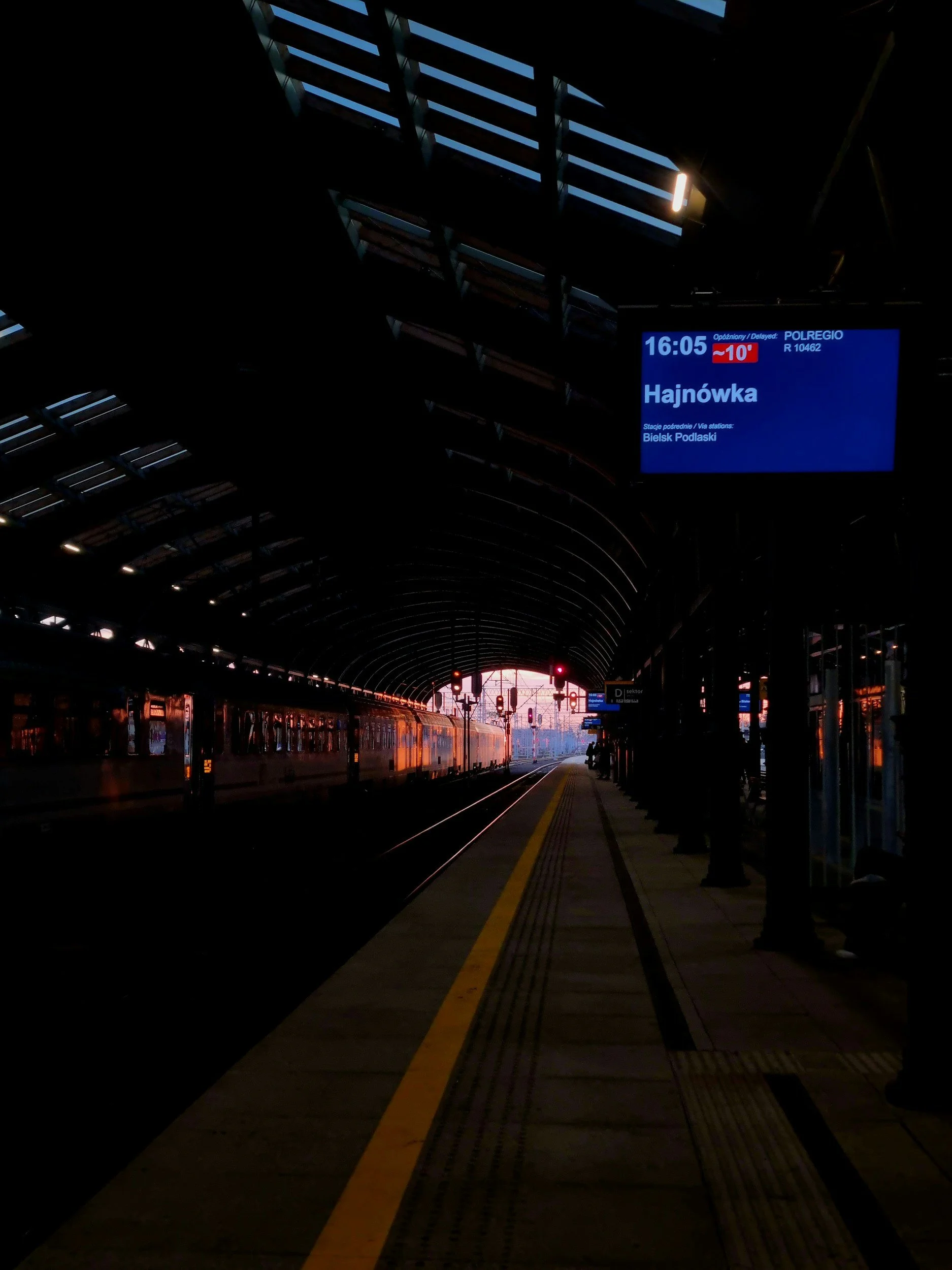
Under a news photograph, a caption may identify a U.S. railway station, the date and the photographer. It may leave out the reason the picture earned its place in the article. Perhaps an old departure board lists trains in two side-by-side columns, while a replacement gives one departure an entire screen. A reader who cannot see the photograph needs access to that comparison too.
Suppose an overseas desk is preparing a feature about changes to signs at a fictional American station. Its producer has a wide photograph, a detail of the new board and a chart of survey responses. Each needs a decision about its text alternative. Begin with the editorial work each image does on this page. That question leads to better descriptions than a fixed formula about length or detail.
Describe what the photograph contributes
Read the paragraph immediately before the image and the caption beneath it. Then cover the picture. What has gone missing? If the article already identifies the station, the photograph may mainly establish that two kinds of departure board hang side by side over the same concourse. That spatial relationship is worth more than a second recitation of the station’s full name.
In the hypothetical wide shot, suitable alternative text might say that a board listing several trains hangs beside a screen displaying one departure in larger type. This description gives a reader the visual evidence for the comparison. Names of unrelated shops at the edge of the concourse would obscure it. If the story were about those shops, the same photograph would need a different description.
Use concrete terms and verified identifications. A traveler facing a sign is facing a sign. Their posture alone cannot establish that they are confused, pleased or unable to read it. When the photograph depends on what a particular person demonstrates, identify them if their identity has been verified and that information helps a reader understand the action.
Give meaningful words in an image another route
The detail photograph might show a screen switching between a train’s destination and its platform. One still image can show only the message visible when the shutter opened. Describe the visible message accurately and use the reporting in the article to explain the switching sequence. A reader consulting the photograph should be able to distinguish an observation from the wider account.
If the precise wording on the sign matters, transcribe it and check each character against the original. For readers abroad, an unfamiliar abbreviation may need expansion. Put that explanation where everyone can find it, perhaps in the surrounding text. When a spelling mistake is itself the news, preserve it in the transcription and explain why it is present.
Some pages reuse a picture as a link or a button. Check what the link does and whether it already has a clear accessible name from adjacent text in the same link. An image that is the only link to the station diagram needs text that tells someone where it leads. For a purely decorative flourish, set the image’s alt attribute to an empty string. Check that the template retains the attribute. Omitting it can cause a screen reader to announce a filename.
Give a chart both an introduction and its evidence
For the survey graphic, ask for the underlying table and the question people answered. Identify the categories, time period, unit and population. Does the chart show the share of all respondents who preferred each design, or only the share among people who expressed a preference? Getting the denominator wrong in the alternative would give readers different findings depending on how they access the page.
W3C’s Web Accessibility Initiative recommends complementary short and longer descriptions for complex images. A short alternative can identify the chart and direct the reader to the fuller account. Put the substantive comparison in adjacent text and, when exact values matter, provide an accessible table with meaningful column and row headings. Give the table the same unit and period as the graphic.
Suppose people responded differently about readability from a distance and ease of finding later departures. A statement that one design was preferred would erase that distinction. Explain each comparison in words, preserving any uncertainty the chart presents. Identify missing responses as missing. A blank space in a plot can otherwise become a zero in someone’s reading of the findings.
Check the published page in its actual order
Listen from the paragraph above the image through the text that follows. A screen reader or a colleague familiar with one can help check the published sequence. Is the introduction heard three times because the alternative, caption and chart title repeat it? Does the reference to a table below still work after the mobile template moves the table above the graphic?
Ask someone to answer a question using the textual version. Which board displays several departures simultaneously? Which survey item concerns finding a later train? If the person has to guess, identify the missing information and add it where it belongs. An effective alternative can be quite short when the page already contains an accessible explanation of the evidence.
Check the version delivered to small screens. If an editorial crop removes the old board altogether, text describing two boards no longer matches the image. Choose a crop that preserves the comparison or adapt the description for the image actually served. Treat the homepage thumbnail as its own use if it links to the feature in a different context.
Send the descriptions with the assets
Label the wide image, the detail and the chart with their corresponding alternatives. Include the longer chart explanation, table and verified transcription in the handoff. Identify which of those items the page design places alongside the image. An editor translating the feature can then preserve the same comparison without translating an isolated fragment that makes little sense alone.
When a chart changes, review the short description, surrounding prose and data table together. When a photograph is replaced, read its alternative against the new file. These small checks give a reader abroad the chance to examine the same station, signs and survey evidence in whichever form is most usable.
W3C Web Accessibility Initiative, Informative Images
W3C Web Accessibility Initiative, Complex Images