
The Vertical Version Cut the Explanation Out
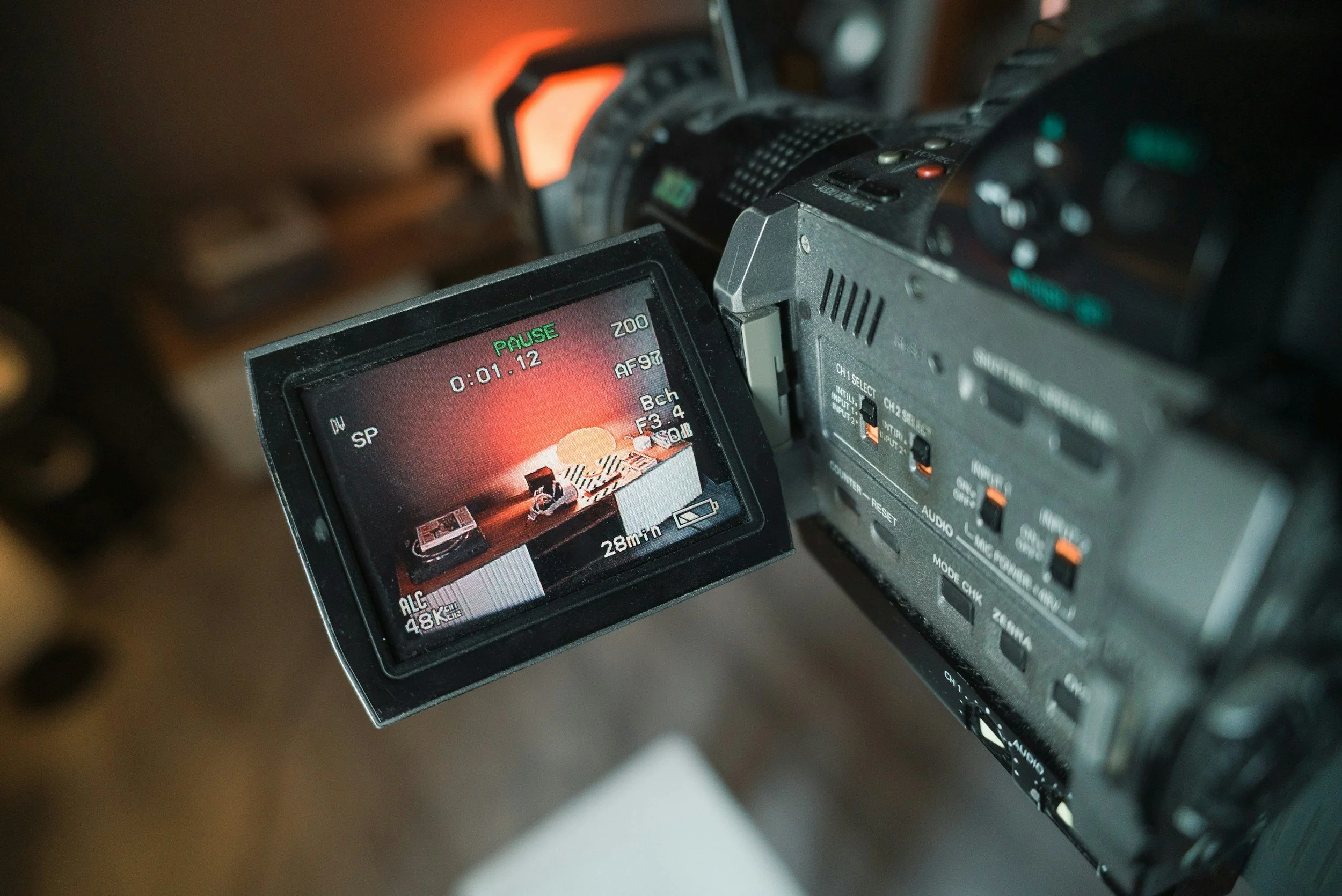
A horizontal shot shows a repair technician pointing to a damaged bicycle wheel. In a hypothetical vertical edit, the technician's face remains centered but the wheel disappears. The spoken explanation still refers to something on screen, although the viewer can no longer see it. This is more than an unattractive crop: the adaptation has removed information needed to understand the report.
An international correspondent may supply one story for television, a website and several mobile formats. Each version needs an editorial review of its frame. Changing the canvas dimensions is only the beginning. The finished image must preserve the relationship between the words, the visible evidence and the reader's available screen space.
Identify what the shot must communicate
Before resizing, write a short purpose for each important shot. The bicycle example needs both the person's explanation and the relevant part of the wheel. Another shot might establish a location, show a process or display a document. If its essential information cannot survive a crop, choose another treatment rather than automatically following the largest face.
Mark moments where the subject moves or points. A crop that works for the opening frame may fail a few seconds later. Watch the complete shot with its sound. The words can reveal why an apparently empty area is important: the speaker may be about to gesture toward it or compare two objects separated across the frame.
Distinguish the frame from the pixels
Frame aspect ratio describes the relationship between the image's width and height. Pixel aspect ratio describes the shape represented by an individual pixel. Adobe's documentation distinguishes these properties because incorrectly interpreting an asset can distort its appearance. A circle that becomes an oval is a warning to inspect the setup, not a reason to stretch the image again by eye.
Read the source and sequence properties, then check the export settings for the intended destination. In many contemporary workflows square pixels are expected, but do not apply that assumption blindly to older supplied footage. Ask the producer to confirm the specification when archival material or unusual source formats are involved.
Choose a treatment rather than a default crop
Possible approaches include reframing the shot, using a wider image within the new canvas, cutting to a closer detail or rebuilding the sequence around another shot. Each has a tradeoff. A smaller wide image can retain context but make a detail harder to see. A close-up can clarify an object while removing information about who is handling it.
For the hypothetical repair scene, one option is to show the technician briefly, then cut to an independently recorded detail of the wheel while the explanation continues. Confirm that the detail genuinely corresponds to the described object and moment. Do not substitute a similar-looking wheel merely because it fills the vertical frame neatly.
Automatic reframing can be a useful starting point, but inspect its choices. A system following a face may ignore the object that carries the story. Correct the framing deliberately and review any movement introduced by the crop. An unexplained digital pan can distract from a simple demonstration or imply a camera movement that was not recorded.
Give text room to survive the destination
Place the person's name, location and other essential text where it remains readable in the final format. Adobe provides safe-zone guides as editing references; those guides are not part of the exported picture. Treat them as aids, not proof that every platform's interface will leave the same area uncovered.
A mobile service may display controls, captions or other interface elements over the image. Check the actual intended destination and its current preview rather than relying on a remembered universal margin. Keep an editable version of the text so another outlet can adapt it without cropping the underlying reporting further.
Read the text on a phone-sized display. A title that looks generous on a desktop monitor can become cramped after export. Shorten wording without dropping a necessary qualification. If a number needs its unit or time period to be meaningful, move supporting text to another clear frame instead of leaving the number alone.
Review the interaction between captions and evidence
Captions can cover precisely the lower part of the image where an important action occurs. Watch the vertical edit with captions enabled and inspect the wheel, hands and tools. Reposition the image or caption area where necessary. A silent review is useful: can a viewer still follow the demonstration using the visible action and text?
Also consider translation. A concise English sentence may become longer in another language, so allow room for the receiving desk's version. Give the producer clean footage and editable text where the workflow permits. Avoid burning an unnecessary decorative headline into the only copy of a shot that will be repurposed internationally.
Check speaker identification when a crop removes one participant. If two people alternate answers but only one face remains visible, the audience may misattribute a sentence. Use a clearer shot, a deliberate cut or suitable identification. The correct crop is the one that keeps the reported relationship understandable.
Inspect the exported version as a separate story
Export each required format and watch it from beginning to end. Verify that text is readable, images are not stretched, essential objects remain visible and the ending is complete. Do not assume that a successful horizontal export validates the vertical version. They are related products with different opportunities for error.
Ask a colleague unfamiliar with the edit to describe what happened in the repair scene. If they cannot identify which part was damaged or who explained it, return to the sequence. This simple comprehension check can reveal a missing visual connection that technical properties alone will never detect.
A good adaptation preserves the report's meaning while accommodating a different screen. It may require a different shot order or a little less text. What it should not require is asking the audience to imagine the evidence that the new frame has cut away.